Memories

Save photos, videos and stories. Share them with the people you choose or keep them private.
Explore Memories
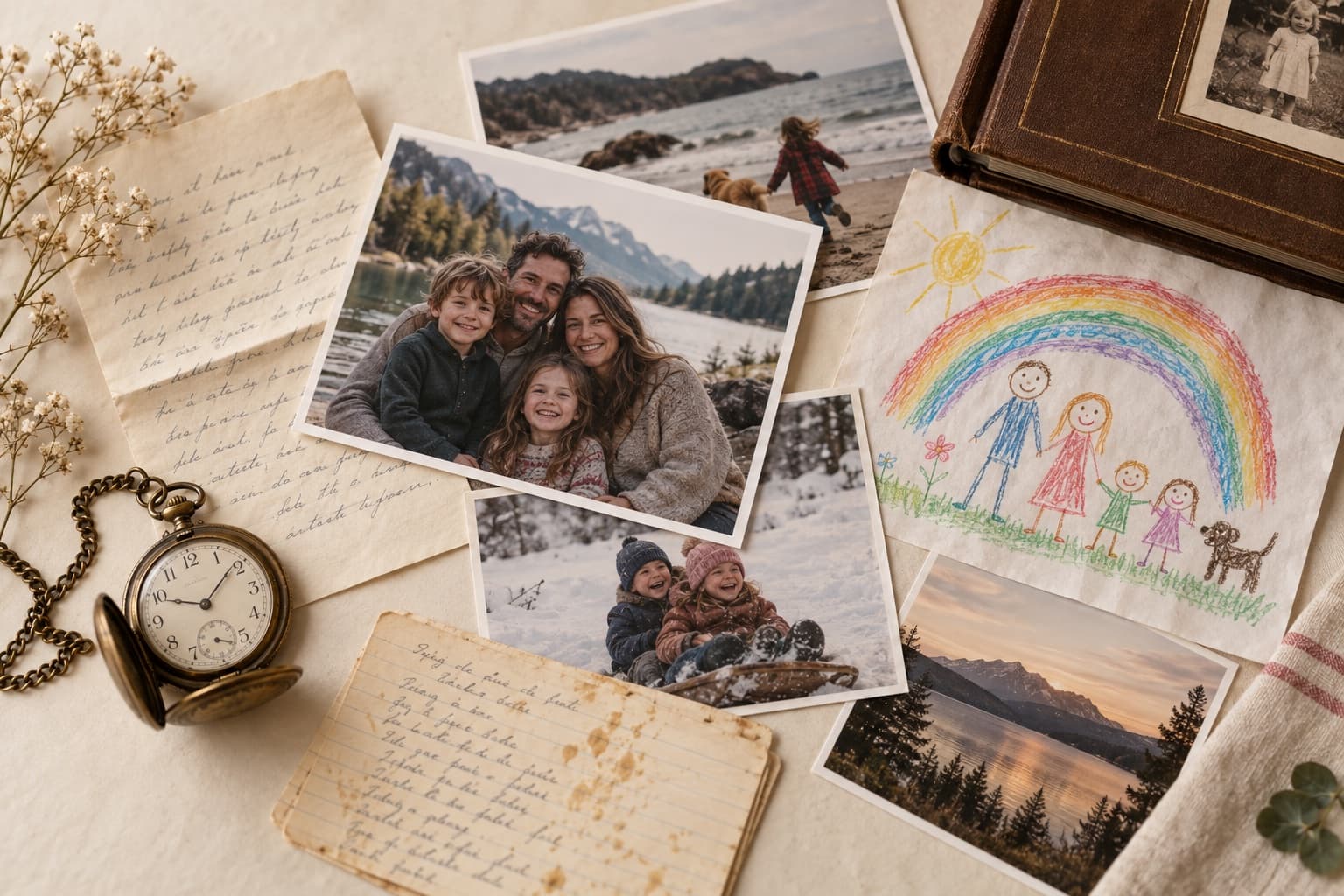
Save your photos, stories, kids’ artwork and meaningful keepsakes in one organized place. Share them with your family, selected friends, or keep them just for yourself.
Your memories today. Your family’s history tomorrow.
The stories
that connect us.
Bring it all home
Photos on your phone. Posts on social media.
Kids’ artwork in boxes. Keepsakes on shelves.
Stories that only one person remembers.
Family Legacy brings it all together —
in one private place.
How it works
Save photos, videos and stories. Share them with the people you choose or keep them private.
Explore Memories
Photograph your kids’ artwork, report cards, letters and meaningful keepsakes — and tell the story behind them.
Explore Artwork & KeepsakesUpload your downloaded Facebook or Instagram archive, keep what matters, and bring your memories home.
Explore Facebook & InstagramBuild the story of your life year by year, and explore what was happening in the world around you.
Explore Life LineA little look inside
A photograph, a drawing, a note. Add what made it matter, then choose who gets to see it.
A little paper. A lot of love. The everyday things have stories, too.
Take a look insideNot every memory is for everyone. Create circles for your immediate family, extended family, friends, or keep it just for yourself.
You decide who sees each memory.
See How Sharing WorksThe everyday moments, shared with your closest people in an invite-only circle.
An illustration of circles you can create. This does not change your sharing settings.
The right memories.
With the right people.
Your life, in context
Add your milestones, then explore what was happening in the world during those years — music, movies, news, sports and more.
Explore Life LineThe memories that shaped you
The ones who were there
The times you lived through
Your story. In the context of the world.
Preserve the story.
Pass it on.
A few things you might wonder
Your personal vault is private. When you share a memory into an invite-only circle, access follows that circle’s membership and the memory’s visibility settings. People tagged in a memory also have a say in how it is shared.
Download your information from Facebook or Instagram, then upload the export in Family Legacy. This brings your past posts and media into your archive; it does not automatically sync your social accounts.
Yes. The app’s export tool lets you download your archive as a ZIP with your stories and media. Your memories remain yours.
Start with one photograph or story. Give it a title, add a date and a few words, then save it privately or share it with a circle. You don’t need to organize a lifetime in one sitting.